Intel Arc Pro B50 & OpenVino

Part 1 is here: Intel Arc Pro B50 & Jellyfin
This article goes through how I set-up OpenVino and the journey to get there. It was not as simple as setting up Ollama with Nvidia GPUs so this guide will hopefully help anyone else with an Intel GPU.
Setting up & deploying OpenVINO via Docker
- Continuing from the previous Article, I already updated the Ubuntu Docker host's drivers and validated the GPU device's Group:

- I had to of course stop Ollama (not that it could start-up) but saved the configuration just incase I wanted to rollback to my Nvidia GPU.
I followed the OpenVINO documentation and found that whilst running Docker commands worked, I found that converting the Docker command to a Docker Compose .yaml made my life a lot easier.
- I was required to create the OpenVino models folder, e.g. I have mine in a specific directory
/home/docker/openvino/models - I was then required to ensure the permissions to this directory was set correctly using the following two commands to update the
- Add all permissions t
sudo chmod 777 -R /home/docker/openvino/models
- Add all permissions t
- Assign user PUID:PGID to the directory
sudo chown -R 1000:1000 /home/docker/openvino/models
I understand that using CHMOD 777 is a big no-no but I kept getting pull errors from OpenVino, I think you should probably start with CHMOD 755 instead
- After that, I added the following
compose.yamlusingsudo vi compose.yamlin my respective directory.- I chose
Qwen3-4Bcause it has enough context for my requirements and fits onto the Intel Arc B50's VRAM - I'm using
model_server:latest-gputo ensure I can leverage GPU-based inference model_repository_pathis only required if you're pulling from- If you require a gated model (e.g. Llama), you'll need
HF_Token=${HF_Token}in theenvironment:and.envfile - My GPU's groupID is
993you would need to update it to match yours.
- I chose
services:
  openvino:
    image: openvino/model_server::2025.4.1-gpu
    user: "1000:1000"
    devices:
      - /dev/dri/renderD128:/dev/dri/renderD128
    group_add:
      - 993
    volumes:
      - /home/docker/openvino/models:/opt/models
    ports:
      - "8000:8000"
    environment:
      - LIBVA_DRIVER_NAME=iHD
    restart: unless-stopped
    command: >
      --source_model "OpenVINO/Qwen3-4B-int4-ov"
      --model_repository_path /opt/models/
      --model_name Qwen3-4B
      --rest_port 8000
      --target_device GPU
      --task text_generation
compose.yaml for OpenVINO
Open supports the following AI Models: https://docs.openvino.ai/2025/documentation/compatibility-and-support/supported-models.html
- After the file is saved, do a
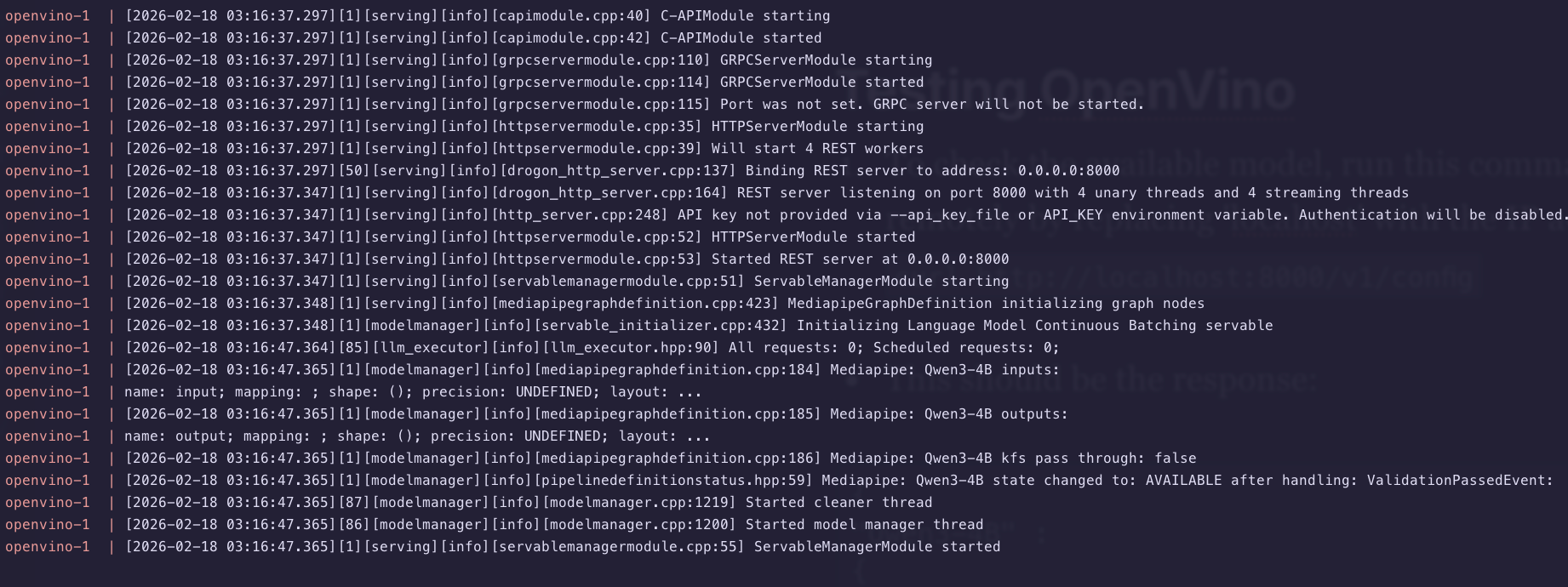
sudo docker compose pull && sudo docker compose up - You should see the logs for Docker Compose running the required pulls, if there's errors, you'll need to troubleshoot.
- If there's permission errors, check the directory paths and ownership (e.g.
CHOWN/CHMOD) - If there's errors pulling, make sure you specific the docker volume bind mounts and model_repository_path correctly
- If there's permission errors, check the directory paths and ownership (e.g.
- Once the server is up and running, I recommend leaving the Docker Compose watch window and opening another terminal to test.
Testing OpenVino API endpoints
Since OpenVino seems like it is working, lets test the API endpoints locally before we add those APIs to an application like Karakeep.
- To check the available model, run this command from your Docker Host (or remotely by replacing 'locahost' with the IP address)
curl http://localhost:8000/v1/config
- This should be the response:
{
"Qwen3-4B" :
{
 "model_version_status": [
  {
   "version": "1",
   "state": "AVAILABLE",
   "status": {
    "error_code": "OK",
    "error_message": "OK"
   }
  }
 ]
}
}%
If the model was not loaded yet, I was getting a blank {}% response
- If this the model is available, you can now test it using a test text generation
curl http://10.0.1.15:8000/v3/chat/completions \
  -H "Content-Type: application/json" \
  -d '{
    "model": "Qwen3-4B",
    "messages": [{"role": "user", "content": "hello"}]
}'- The response should look like this:
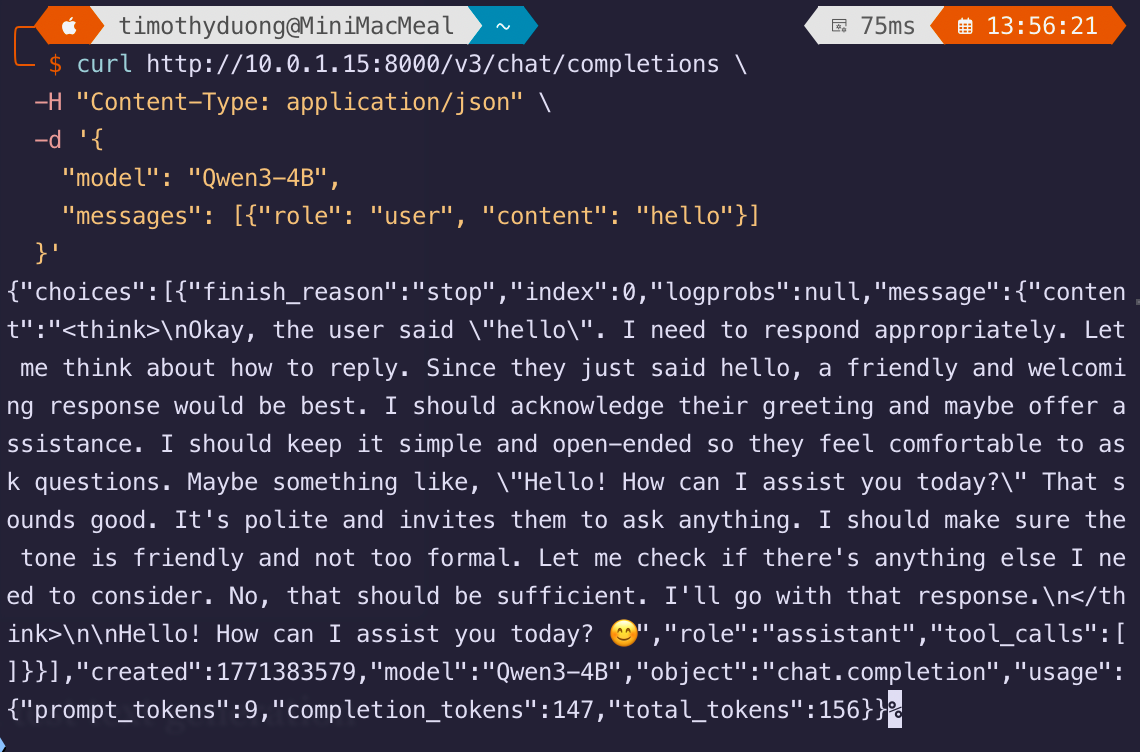
If you get no response, check the container's logs. It will tell you if the context cache is maxing out or just plain crashing. If it is crashing, it might be worth finding a new model.
You should be good to start testing with your other applications that use OpenAI API endpoints.
Updating Karakeep to use OpenVino
Now that testing is successful, we can now update the API endpoints in other other applications. Note that OpenVino uses /v3 instead of /v1 in its OpenAI API endpoint.
- I updated my Karakeep compose.yaml which was originally configured for Ollama.
- Add the following environment variables:
- OPENAI_BASE_URL=http://INSERT-YOUR-IP:8000/v3
- OPENAI_API_KEY=notused-this-is-required-can
- INFERENCE_TEXT_MODEL=Qwen3-4B
- Add the following environment variables:
Karakeep requires an OPENAI_API_KEY to be set even if API auth is disabled in OpenVINO.
My Karakeep file now looks like this, the .env file has the above in it alongside other variables. Remember to update the IP Address in OPENAI_BASE_URL
services:
  kara-web:
    image: ghcr.io/karakeep-app/karakeep:latest
    restart: unless-stopped
    ports:
      - 3000:3000
    env_file:
      - .env
    environment:
      MEILI_ADDR: http://kara-meilisearch:7700
      BROWSER_WEB_URL: http://kara-chrome:9222
      DATA_DIR: /data
      KARAKEEP_VERSION: release
      NEXTAUTH_URL: ${NEXTAUTH_URL}
      NEXTAUTH_SECRET: ${NEXTAUTH_SECRET}
      MEILI_MASTER_KEY: ${MEILI_MASTER_KEY}
      OPENAI_BASE_URL: http://localhost:8000/v3
      OPENAI_API_KEY: unused
      INFERENCE_TEXT_MODEL=Qwen3-4B
    volumes:
      - ./data:/data
  kara-chrome:
    image: gcr.io/zenika-hub/alpine-chrome:124
    restart: unless-stopped
    command:
      - --no-sandbox
      - --disable-gpu
      - --disable-dev-shm-usage
      - --remote-debugging-address=0.0.0.0
      - --remote-debugging-port=9222
      - --hide-scrollbars
  kara-meilisearch:
    image: getmeili/meilisearch:v1.13.3
    restart: unless-stopped
    env_file:
      - .env
    environment:
      MEILI_NO_ANALYTICS: "true"
    volumes:
      - ./meilisearch:/meili_data
networks: {}
My Karakeep compose.yaml file as an example. What is not shown is the .env file
- I tested Karakeep's AI Summarisation and kept the <Thinking> tags but I'm fine with that, I only use Karakeep's AI Tagging.
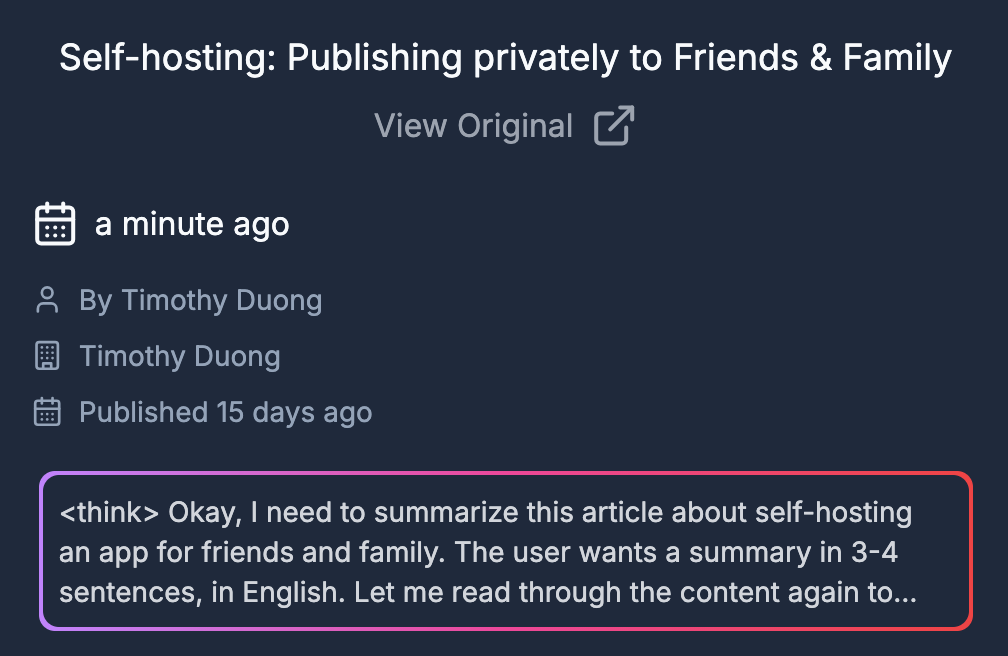
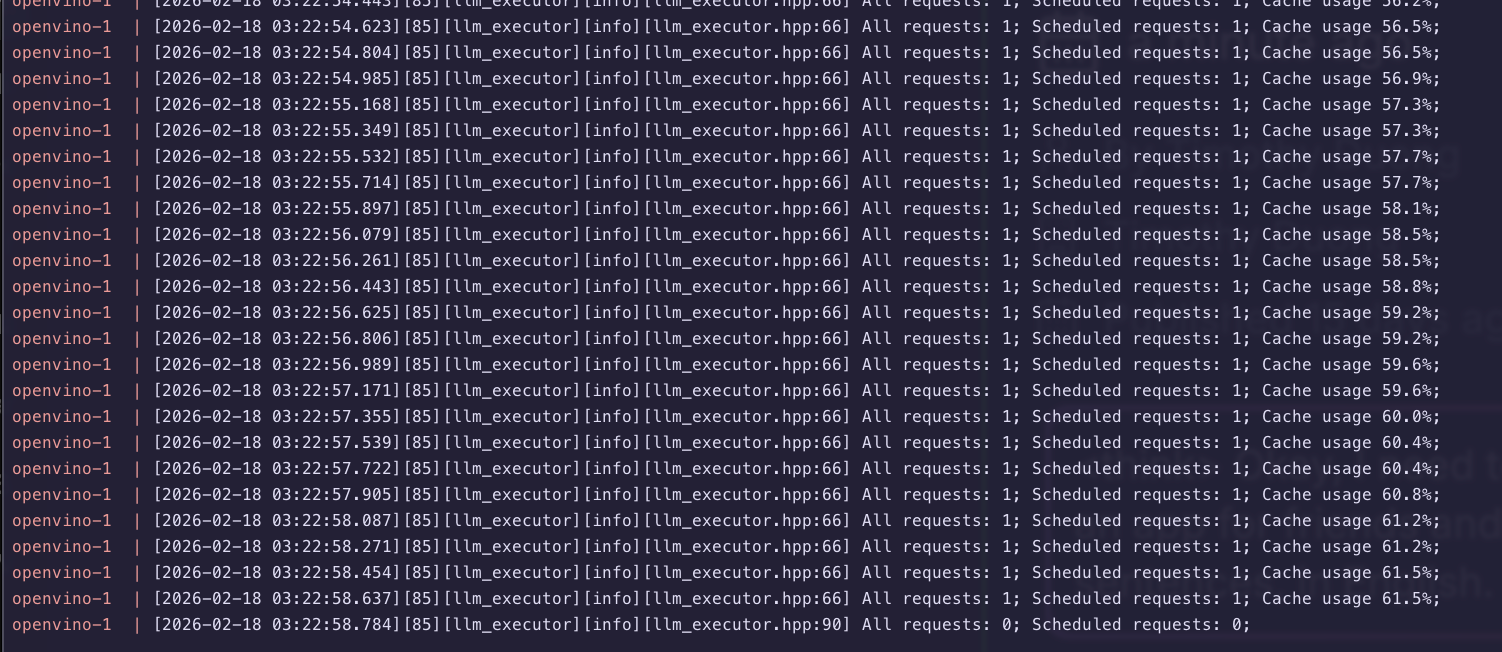
Logs generated during AI summarisation:
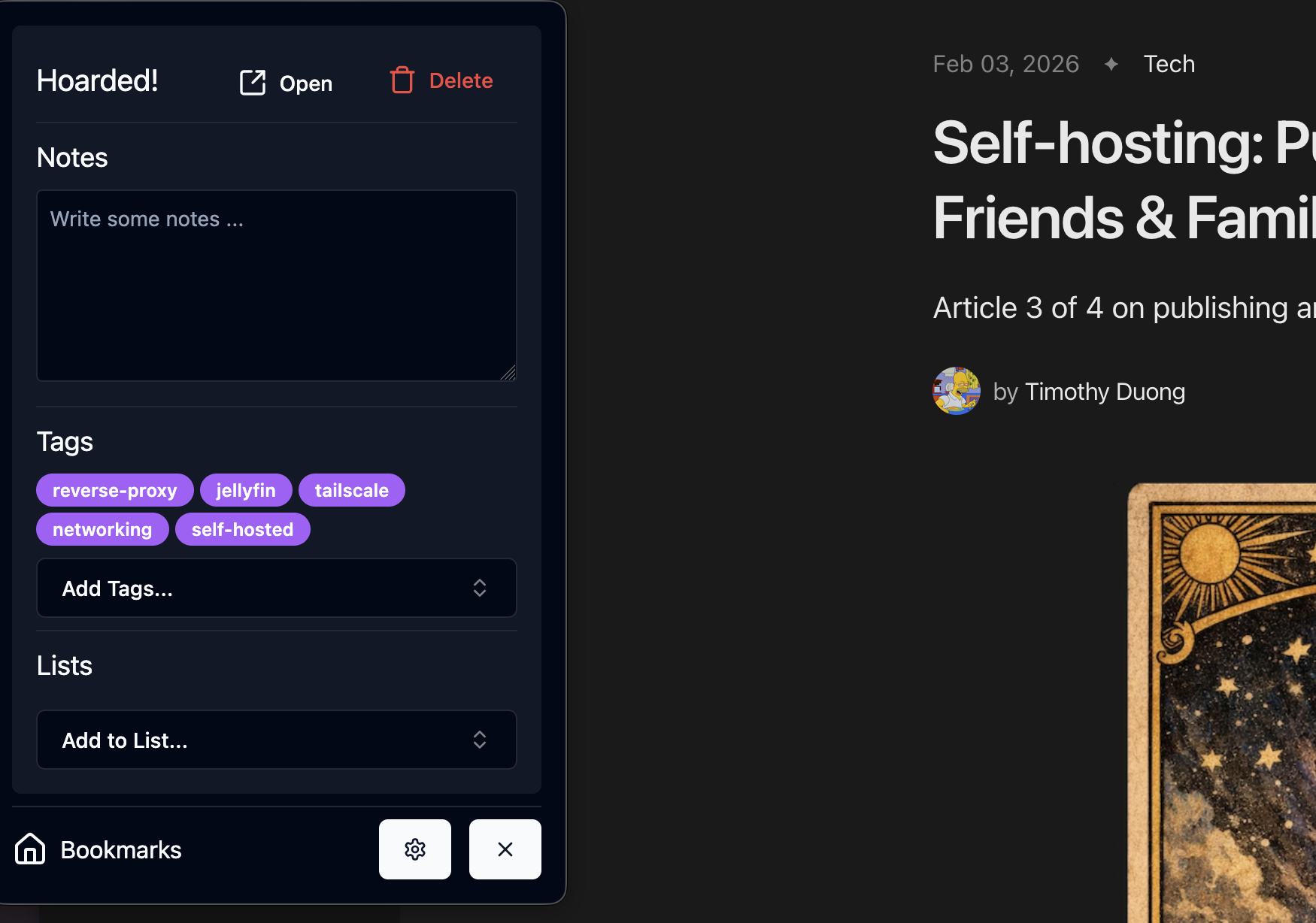
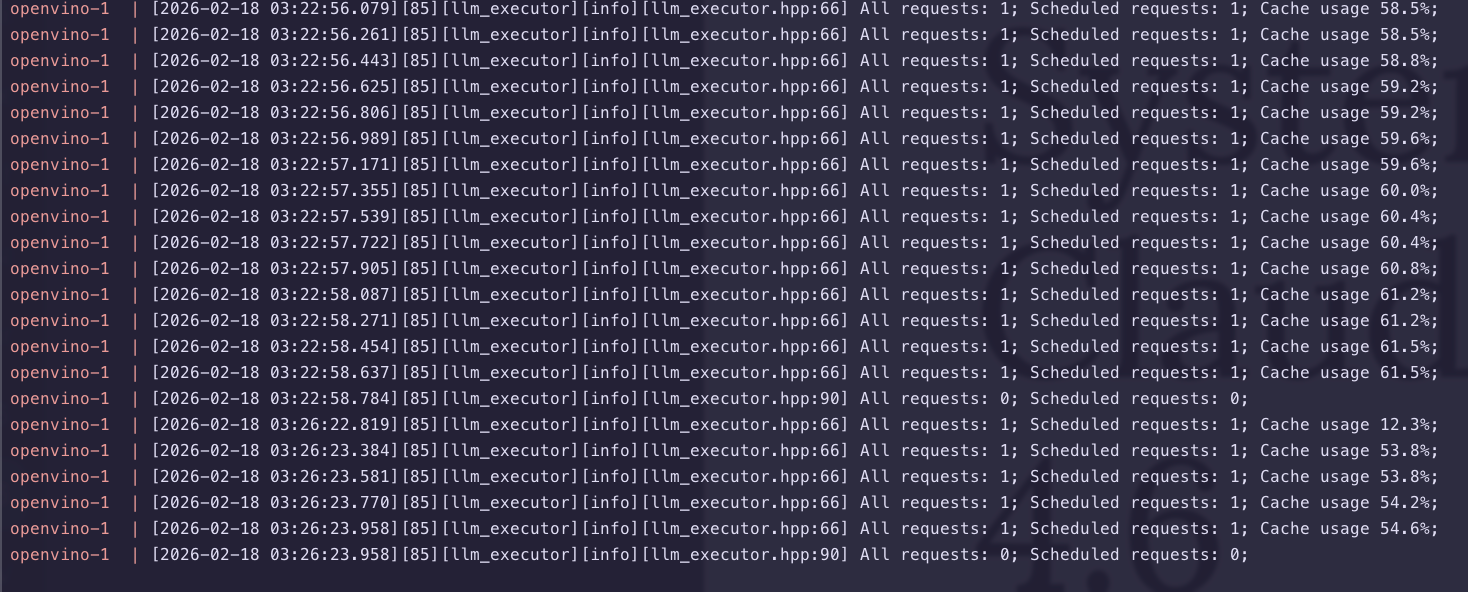
- I added some bookmarks and checked the AI Tagging, AI tagging can be more intensive as it sends all existing ai-tags
Conclusion
Getting OpenVino working was not straight forward for me, despite having working drivers, their documentation is definitely not as clear-cut as many other providers.
They had a lack of consistency in configurations (PORT vs REST_PORT), naming conventions and just general user guides made things quite unclear.
After 2 days of trial and error, I eventually found a model that did not crash despite my replacement GPU having more VRAM than its incumbent (16GB vs 8GB), there clearly is still a lot more to go with Intel and GPU-based hardware acceleration if they want others to use it.
I'm otherwise happy now that it is working, the Karakeep AI Tagging & AI summarisation is actually faster on the 'Intel Arc Pro B50 with Qwen3-4B' than the 'Nvidia RTX 3070Ti with gemma3:4b'
For now my software side of this SFF-downsize is done but I still need to replace the SATA 2.5" drives with some M2 NVMe drives since they're hanging mid-air from the case.
I've published my findings also on Karakeep's Github Discussions
Links


OpenVino: Deploying OpenVino via Docker Container


OpenVino: GenAI Endpoint
Member discussion